
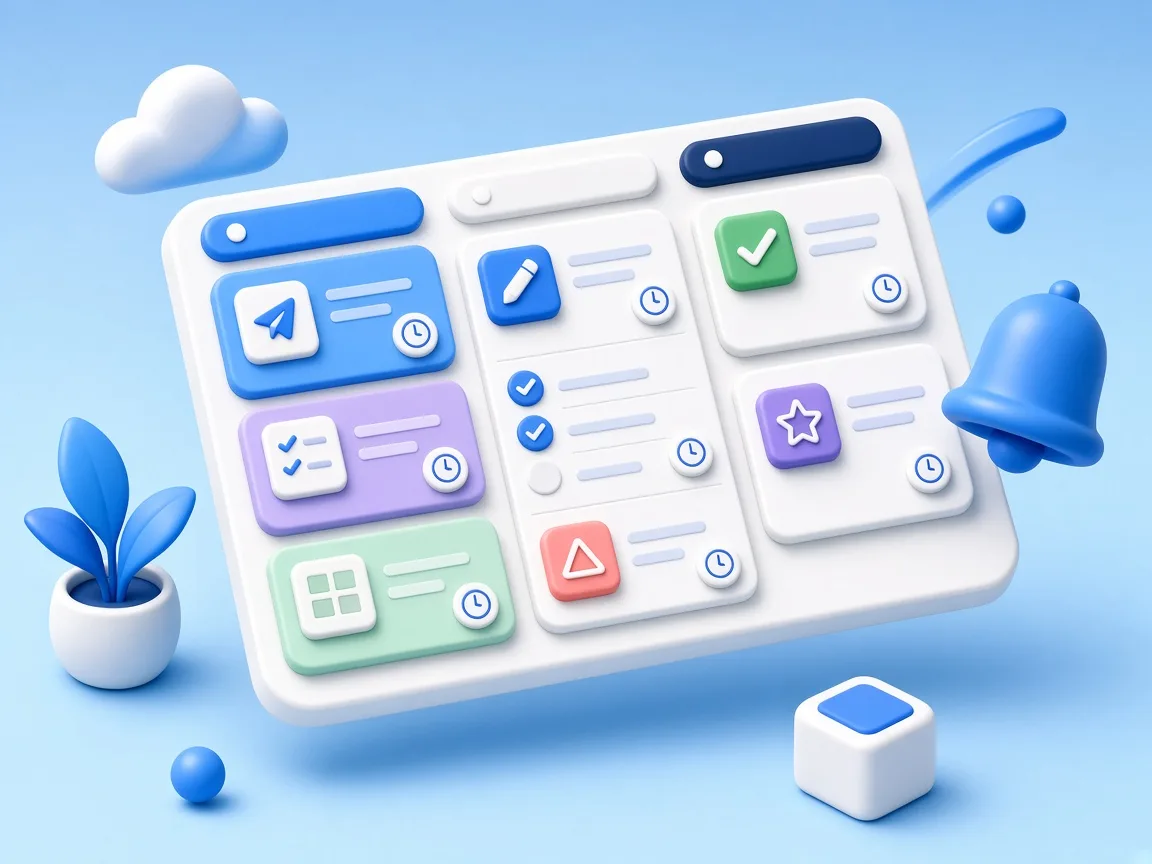
Task management
Assign work, track types and statuses, and keep actions and replies in one board.
Open this page in your browser for a faster sign-in
You are browsing inside another app (Facebook or Instagram), whose built-in browser cannot see the Google account on your phone, so it will ask for your email and password. Open the page in Chrome and your account will show up directly.
Open in ChromeCRM for growing teams
CRMiva brings tasks, customers, sales, invoices, shipping, maintenance, and chat together in one clear workspace.
A free plan is available for one year, with no payment card required.

From the first lead to the invoice, renewal, shipping, and maintenance — the full journey lives in one system.
Assign work, track types and statuses, and keep actions and replies in one board.

Turn inquiries into opportunities and link each lead to a follow-up task without duplicate records.

Keep contacts, types, and files organized so the team can find and follow up quickly.

See execution times and meetings on a clear calendar so nothing slips.

Create invoices and track collections and items from the same workspace.

Track recurring services and renew before they lapse for the customer.
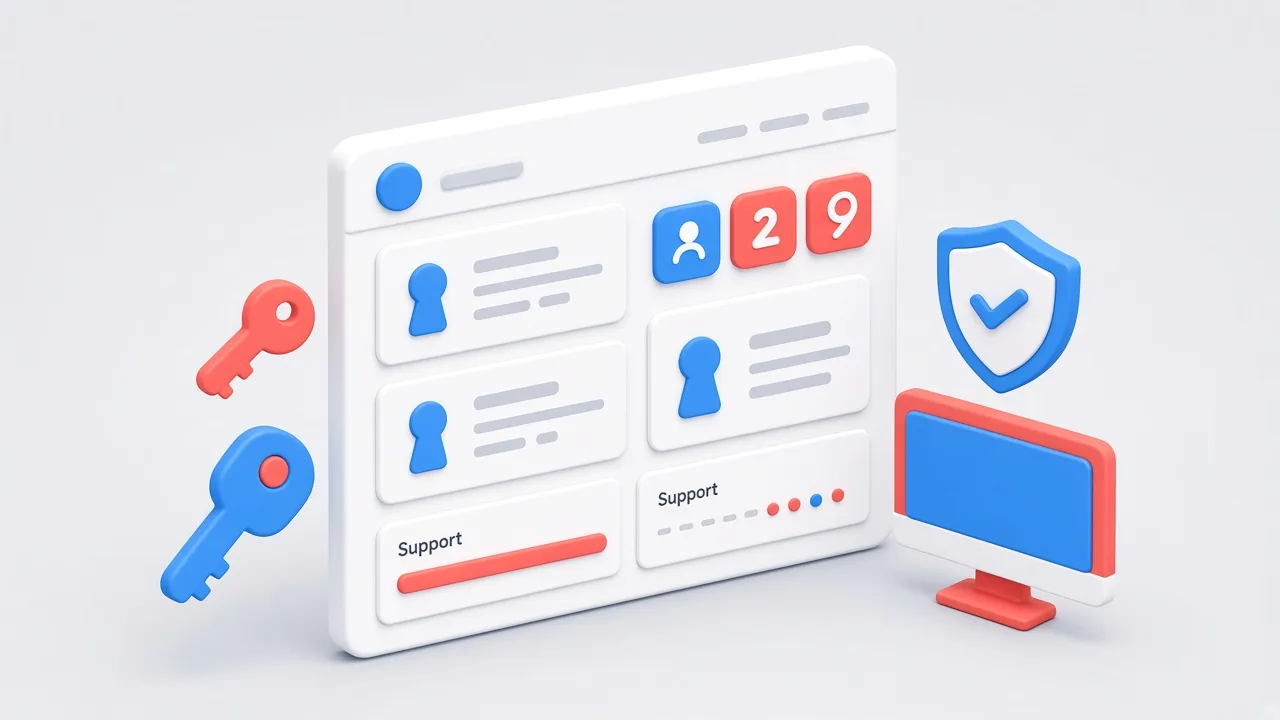
Manage license contracts, serials, device counts, and support periods in one clear record.
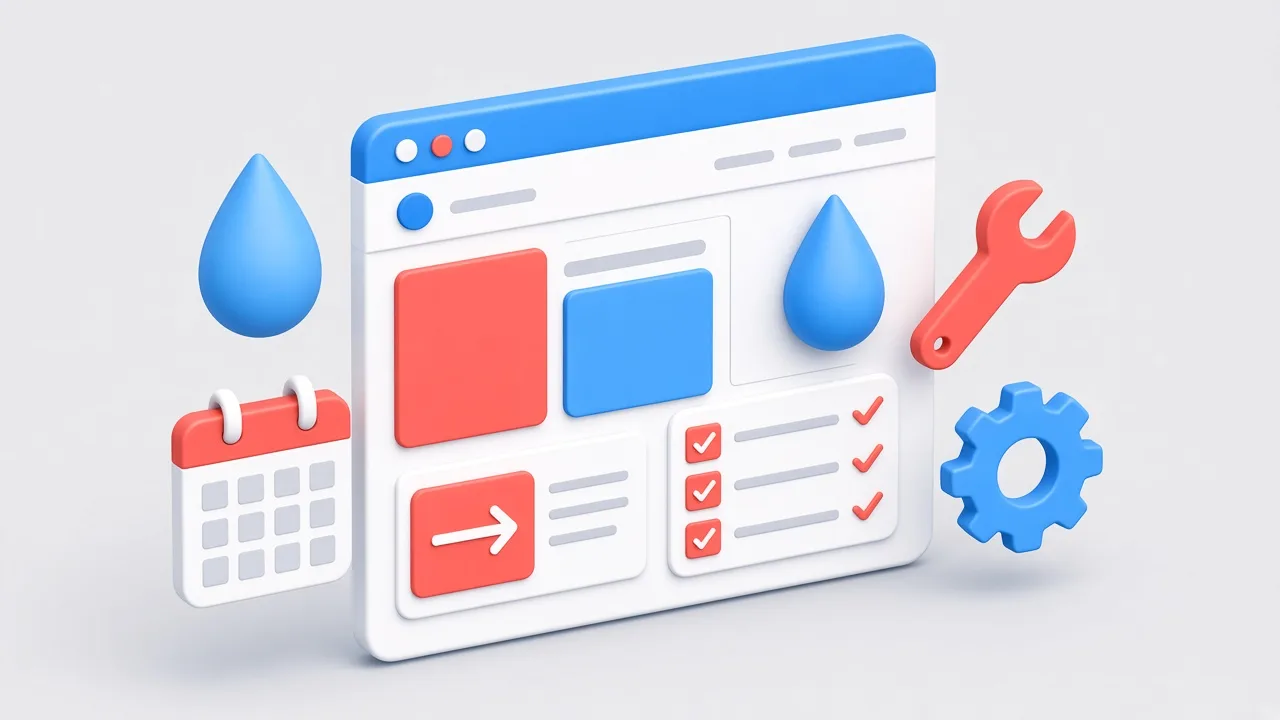
Plan water-treatment station visits, contracts, stages, and execution follow-up.

Create shipments manually or via Excel import, and track status and COD with carriers like Bosta.
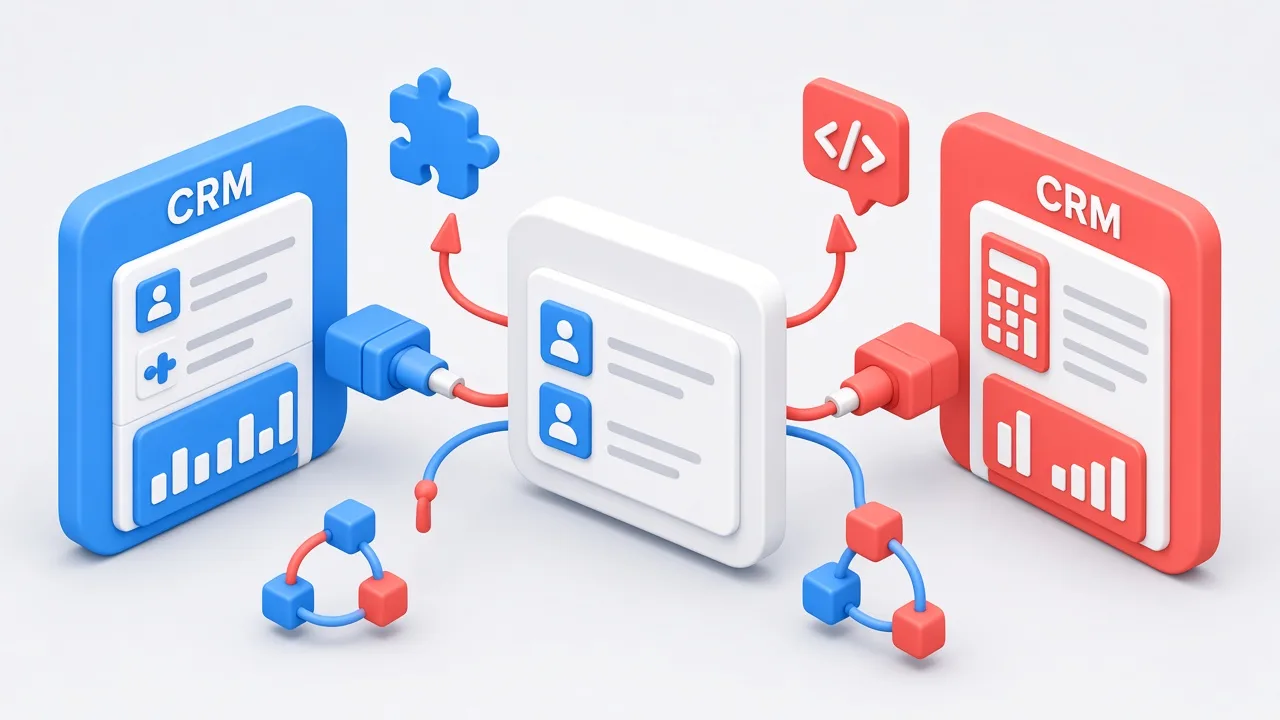
Connect CRMiva to accounting tools and sync customers, items, and invoices automatically.

Talk with the team inside the app and get alerts the moment a task or message changes.

Build a service page and a lead form without leaving CRMiva.

Separate companies or branches, then assign roles and modules for each team.
A CRM — customer relationship management — system keeps everything about a customer in one record: their details, your history with them, the tasks tied to them, and the invoices you issued. Instead of that information scattering across spreadsheets, chat threads, and paper, your whole team works from one source.
The difference shows up quickly. No lead is lost because someone forgot to follow up, two people stop calling the same customer, and you can see at any moment how many open opportunities exist and who owns each one.
CRMiva is Arabic-first with full right-to-left support, and ships a complete English interface for mixed teams — each person picks their own language. It runs in the browser on desktop and mobile, so there is nothing to install, no server to provision, and no maintenance window.
It covers the whole path: a lead arrives through a landing page or form, becomes a customer, follow-up tasks go out to the team, and an invoice is issued with subscriptions, shipping, maintenance, and renewal dates tracked afterwards. Team chat, instant web and mobile notifications, and a shared calendar come with it.
CRMiva is not tied to one industry. The teams that get the most out of it are the ones following up with customers repeatedly:
CRM stands for customer relationship management. In practice it means the software that stores your customer records and tracks every interaction with them, from first contact through to after the sale.
Yes. The free plan gives you one workspace for up to five users and includes task management, the customer and lead records, the calendar, and team chat — no cost and no card required. Upgrade when you need invoices, subscriptions, and landing pages.
Yes, that is who it was designed for. Start with a small team on the free plan and add users and workspaces as the company grows, without a technical setup or lengthy training.
No. CRMiva runs in the browser, and your data lives on the server where you can reach it from any connected device.
Yes. The interface is fully Arabic and right-to-left, including reports, notifications, and email, and you can switch to English in one click.
Yes, through multiple workspaces. Each workspace has its own users, permissions, and data, and you move between them from the same login.
About Us · Contact Us · Privacy Policy · Terms and Conditions · Refund Policy · Shipping Policy · Powered by Rocket Tech